


Everyday skills
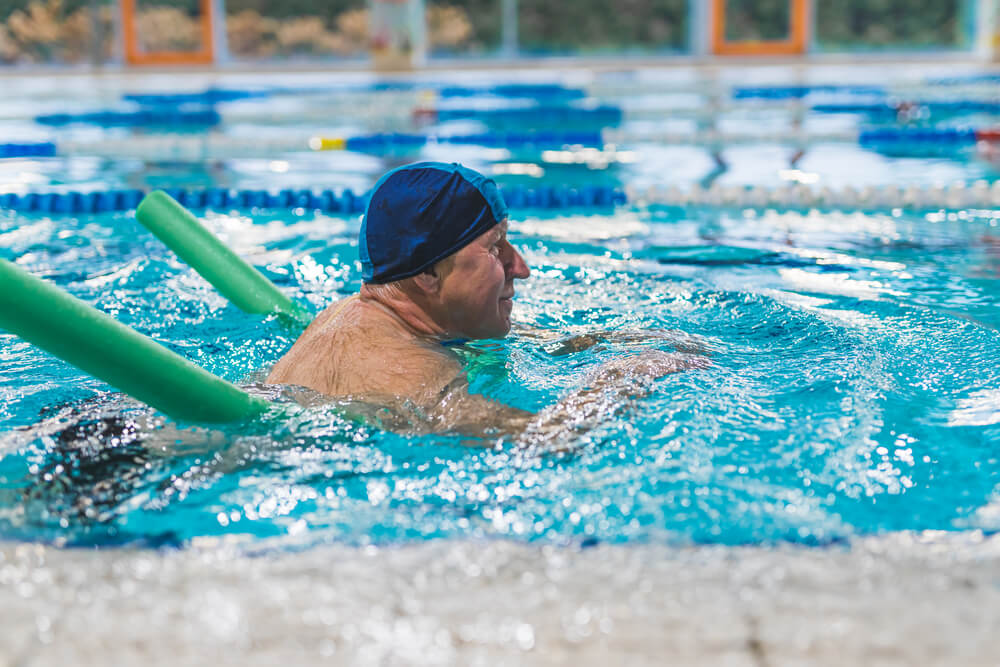
Learn to Swim as an Adult: From Shallow-End Nerves to Full Lengths
Knowing how to learn to swim as an adult means dealing with fear, breath control, and sinking legs before you worry about fitness or…
13 itemsSave the list
A home for things worth reading
Collectboard keeps the articles and videos you mean to come back to, with their pictures, your tags and search that finds them. Start with your own links or one of our reading lists.
Free. No credit card. Works in any browser; the extension is for Chrome.
Click the extension on any page, or paste a link. The title, image and source come in on their own.
Add tags or drop it in a collection. Skip it and nothing breaks; search still finds it.
Type a word you remember. Search covers titles, descriptions, tags and site names.
The best free guides on a subject, in reading order, each with a line on what it covers. Save a whole list to your account in one click.
Knowing how to learn to swim as an adult means dealing with fear, breath control, and sinking legs before you worry about fitness or…
13 itemsSave the list


How to learn to spell has better answers than "read more" or "memorise the list". English spelling follows patterns of sound, word parts…
12 itemsSave the list



If you are working out how to learn guitar without paying for lessons, this list takes you from tuning and posture through clean fretting,…
13 itemsSave the list

Each save shows its image, title and source, so your list looks like the web, not a wall of URLs.
Results update with every letter, across titles, descriptions, tags and site names.
Group saves by project or topic. One save can sit in as many collections as it fits.
Yes. Saves are unlimited, and tags, collections, search and the reading lists are all free. No credit card.
Only you. Your saves are private to your account.
The web app works in any modern browser, on desktop or phone. The one-click extension is for Chrome.
Yes. Upload the CSV from your Pocket export and every link comes over with its title, tags and save date.
You get your own copy as a collection. Change it however you like; links you'd already saved aren't duplicated.
Free, and it takes about ten seconds to start.
Start saving free